
How to Choose Retail Management Software: Complete Guide
A step-by-step retail software buying guide covering must-have features, cost pitfalls, GST compliance, and how to pick the right POS system for Indian retailers.
Step 1: Define Your Retail Type
The retail management software you run your store on touches every part of your business — from the speed of your billing counter to the accuracy of your stock counts to the GST returns you file every month. Choose the wrong system and you are stuck with workarounds, compliance gaps, and costs that quietly eat into your margins. Choose the right one and you get a tool that pays for itself within weeks.
Not every retailer needs the same software. The first question to answer is: what do you sell, and how do you sell it?
Telecom and electronics retailers deal with serialised inventory. Every handset, laptop, or tablet has a unique IMEI or serial number that must be tracked from purchase to sale. You also need to manage brand schemes, cashback offers, and margin-based pricing that changes frequently. If your software cannot handle IMEI-level tracking and scheme management natively, you will spend hours on manual reconciliation.
Fashion and apparel retailers need strong variant management — the same product in five sizes and eight colours means dozens of SKUs per style. Quick billing with barcode scanning, exchange handling, and seasonal clearance pricing matter more here than serial tracking.
General trade and grocery retailers need simplicity above all. Fast billing, basic inventory tracking, supplier management, and GST-compliant invoicing cover most requirements.
Multi-category or department stores need a system flexible enough to handle several of the above scenarios under one roof, with consolidated reporting across departments.
Start by listing the three or four capabilities that are non-negotiable for your specific retail type. That shortlist will immediately rule out software that is not built for your segment.
Step 2: Must-Have Features Checklist
Once you know your retail type, use this checklist to evaluate any software you are considering:
Inventory Management - Real-time stock tracking across locations - Serial-number and IMEI-level tracking (essential for telecom and electronics) - Low-stock alerts and reorder-point automation - Batch and expiry tracking (for FMCG and pharma retail)
Billing and Compliance - GST-compliant invoicing with correct HSN codes - Support for e-invoicing and e-way bill generation as mandated in India - Multiple payment modes (cash, UPI, card, credit) - Fast billing with barcode scanning
Multi-Store Management - Centralised inventory view across all branches - Inter-store stock transfers - Store-level and consolidated reporting - Role-based access so staff see only what they need
Brand Scheme and Offer Management - Ability to configure brand-funded schemes, slab-based incentives, and combo offers - Automatic margin and scheme tracking per transaction - Sell-out reporting for brand claim settlement
Reporting and Analytics - Sales reports by product, category, brand, store, and time period - Profit-margin analysis at the SKU level - Dead-stock and slow-moving inventory reports - Dashboard with daily business snapshot
Print this checklist, score each software you evaluate against it, and you will have an objective comparison rather than a decision based on a polished demo.
Step 3: Evaluate Total Cost of Ownership
The subscription price on a vendor's pricing page is rarely the full story. Before you commit, map out every cost you will incur over the next two years:
- Setup and onboarding fees. Some vendors charge separately for initial configuration, data migration, and training. Ask upfront.
- Hardware requirements. Does the software run on your existing devices, or do you need to buy proprietary terminals, barcode scanners, or receipt printers?
- Payment processing fees. If the POS vendor also processes your card payments, check the per-transaction fee. Square, for example, charges 2.6% + $0.10 per transaction — a significant cost for high-volume stores.
- Contract lock-in. Lightspeed requires one- to three-year contracts on most plans. If the software does not work out after six months, you are still paying. Prefer vendors that offer monthly billing with no lock-in.
- Hidden price increases. Read the terms. Some vendors raise prices annually or charge more once you exceed transaction or SKU limits.
- Training costs. A complex system that takes weeks of staff training has a real cost in lost productivity.
Add all of these up. A system that looks cheaper on a per-month basis can easily end up costing more over its lifetime.
Step 4: Check Compliance and Localization
For Indian retailers, GST compliance is non-negotiable — and this is where many popular international POS systems fall short.
Platforms like Shopify POS, Square, and Lightspeed are built primarily for US, Canadian, and European tax structures. They do not natively support GST with CGST/SGST/IGST breakdowns, HSN code mapping at the product level, or the Indian government's e-invoicing and e-way bill requirements.
Beyond tax, consider localization in a broader sense:
- Does the software support invoicing in regional languages?
- Can it handle Indian payment methods like UPI and wallet payments?
- Is customer support available in your time zone, in a language your team speaks?
- Does the vendor understand Indian retail workflows — advance payments, credit sales, scheme settlements with distributors?
If the answer to these questions is "no" or "with workarounds," you are buying a tool that was not designed for your market.
Step 5: Test Before You Commit
Never purchase retail management software based on a demo alone. A demo shows you what the vendor wants you to see. A hands-on trial shows you what daily operations actually feel like.
During your trial period:
- Run real billing scenarios with your actual product catalogue and tax configuration.
- Test inventory workflows — receiving stock, transferring between stores, handling returns.
- Check report accuracy — do the numbers match what you expect?
- Evaluate onboarding support. How quickly does the vendor respond to setup questions?
- Ask about data migration. Find out exactly how your existing data will be moved over — and who does the work.
A 14-day trial with real data is worth more than months of comparison-shopping on feature lists.
How RetailerOS Checks Every Box
RetailerOS was built from the ground up for Indian retail — not adapted from a Western POS with bolt-on GST support.
- Native GST billing with HSN code mapping, CGST/SGST/IGST handling, e-invoicing, and e-way bill generation built into every transaction.
- IMEI and serial-number tracking at the inventory level, purpose-built for telecom and electronics retailers.
- Brand scheme management with slab-based incentive configuration, automatic margin tracking, and sell-out reporting for brand claims.
- Transparent pricing at Rs. 2,999 to Rs. 7,499 per month per store, with no long-term contracts and no hidden fees. Compare that to Shopify POS or Square POS, where you pay more and still need workarounds for Indian compliance.
- 14-day free trial with full functionality, plus complimentary data migration from your existing system.
- Go live in days, not weeks. Most stores are fully operational within three to five days of signing up.
Take the Next Step
If you are evaluating retail management software right now, start with the numbers. Get in touch to see what RetailerOS can save your business in time and money.
Or, if you would rather talk to a person, schedule a demo with our team. We will walk you through a setup tailored to your retail type — no generic slideshow, no pressure.
More from Our Blog
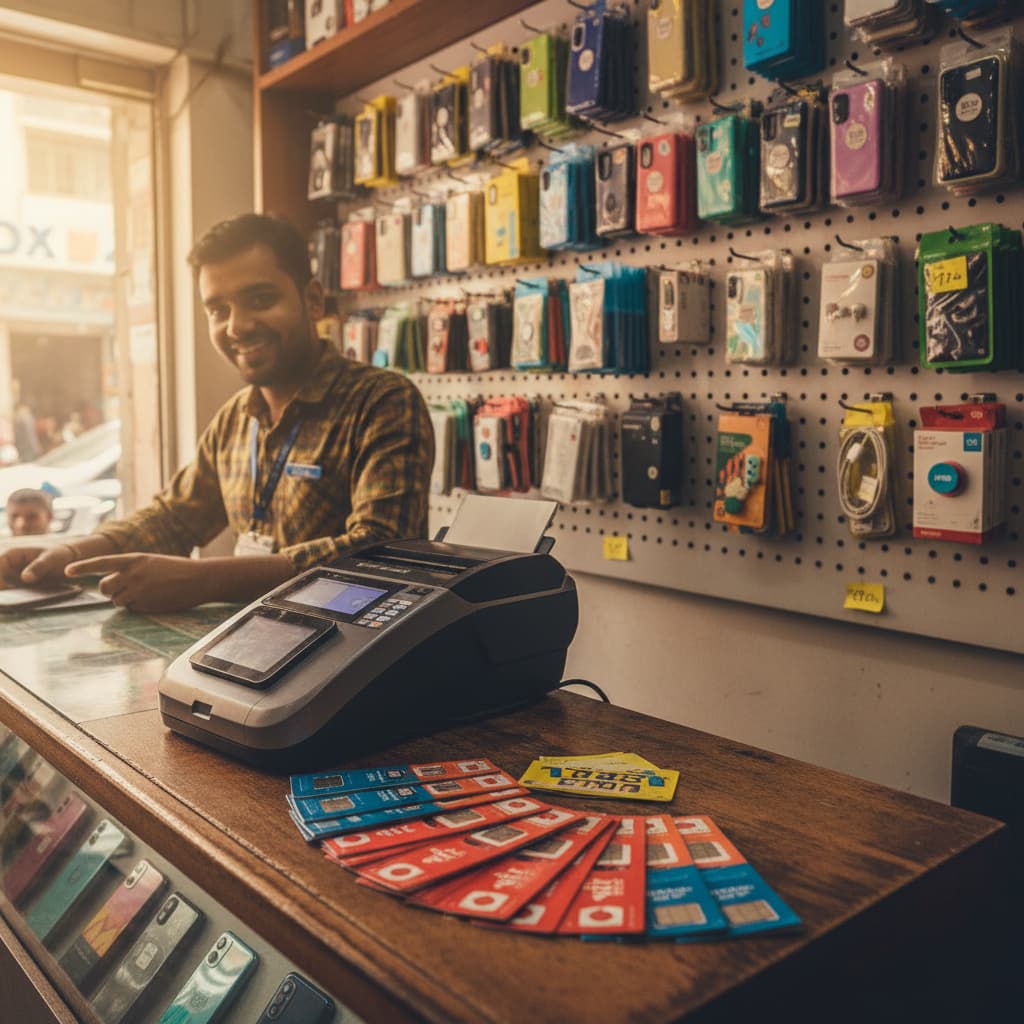
Why Telecom & Electronics Retailers in India Need Purpose-Built Software in 2026
Generic POS and billing software wasn't designed for IMEI tracking, brand scheme management, or serial-number-level inventory. Here's what telecom and consumer electronics retailers should look for in a retail management platform.

How to Choose the Right Real Estate CRM in India (2026 Guide)
A comprehensive guide to evaluating and selecting a CRM for Indian real estate developers and brokers. Covers RERA compliance, lead management from property portals, and the features that actually matter.